Mobile guide · Updated Aug 2026
OKX Mobile
Sign-Up Guide
A practical walkthrough for creating an account, completing identity verification, and switching on essential security settings.
Independent guide · Beginner · Approx. 8 min · English
Prepare
Before you start
- Confirm that OKX serves your country or region and that you meet the minimum legal age shown.
- Have an email address and a phone number you control ready.
- Prepare your own accepted, unexpired government-issued ID.
- Install a trusted authenticator app for security setup.
Sign up
Create your account
- Use the “Start with OKX” button, then confirm the destination is on the official OKX domain.
- Select your actual country or region of residence and review the terms and eligibility notice.
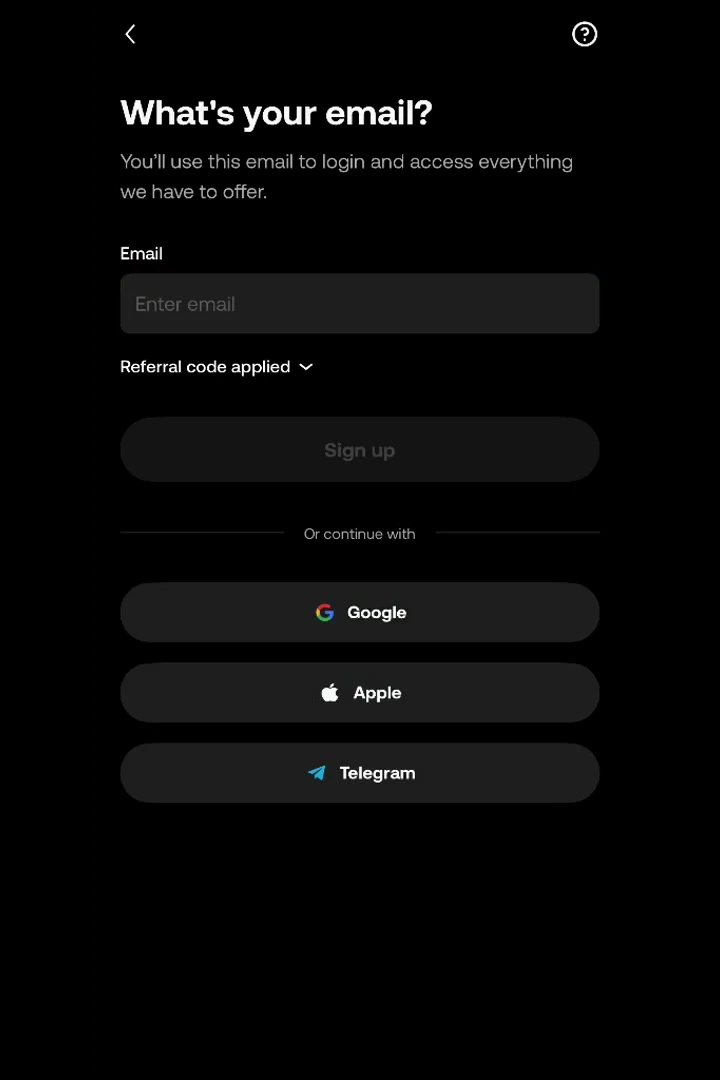
- Enter the contact details requested and submit the one-time verification code.
- Create a long, unique password that you do not reuse on another service.
Continue on OKX
Official OKX destinationReferral link · No extra cost
Identity
Verify your identity
- Open the main menu and look for Account settings → Identity verification.
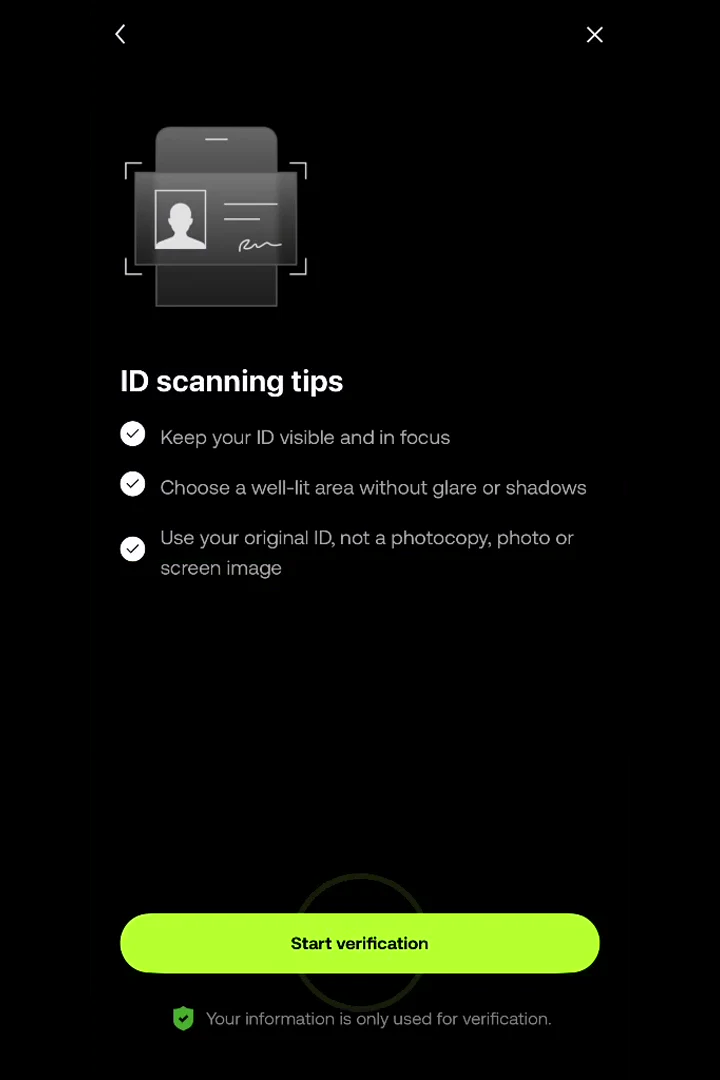
- Enter accurate personal details that match your own identity document.
- Capture the original document with every corner visible; avoid blur, glare, edits, and screenshots.
- Complete the face check in even lighting and follow the positioning prompts.
Continue on OKX
Official OKX destinationReferral link · No extra cost
Security
Secure the account
- Open Profile and settings → Security.
- Link an authenticator app and store its setup or recovery key somewhere private and offline.
- Add a passkey if it is available on your device.
- Set an anti-phishing code to help recognize legitimate OKX emails.
READY WHEN YOU ARE
Start securely with OKX.
Review eligibility and platform terms before creating an account. Crypto involves risk; this guide is educational, not financial advice.
Continue on OKX
Official OKX destinationReferral link · No extra cost